
Prepare the device
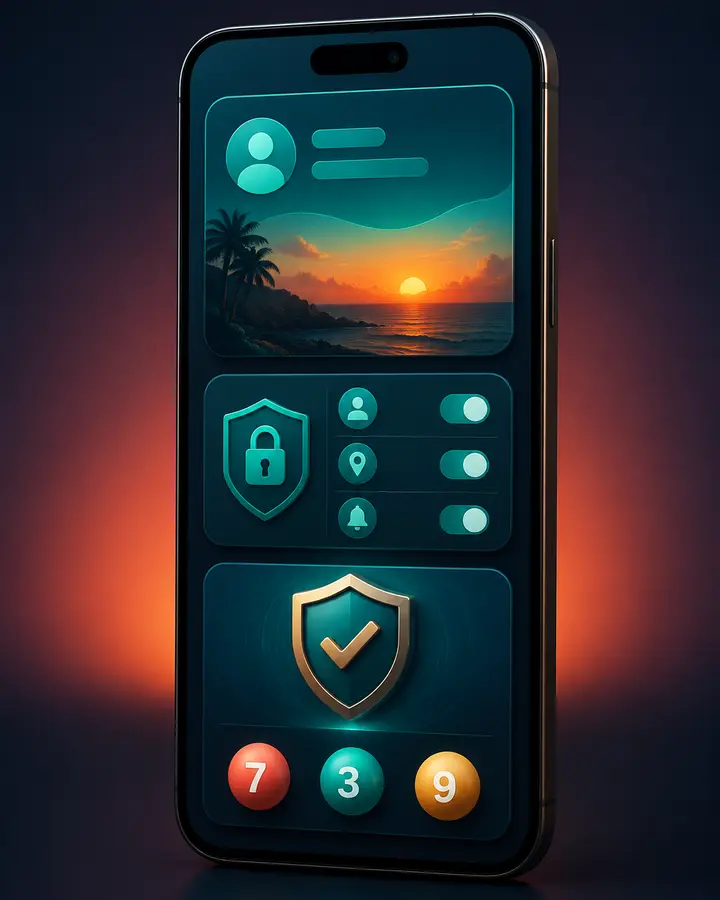
Update the operating system and browser, use a screen lock and keep enough storage for safe updates. Avoid accessing a sensitive account on a shared or public device.
A weak or unstable network can cause repeated taps and duplicate actions. Wait for a clear response before trying again and review transaction records after an interruption.
Keep the interface readable
Use a comfortable text size and orientation. Make sure balances, conditions and confirmation details are visible before acting. Do not rely on colour alone where a label is available.
Hindi text may wrap to additional lines; allow it to display fully rather than using a fixed-height interface that hides information.
Control interruptions
Notifications and vibration can encourage repeated checking. Disable promotional alerts when they conflict with work, sleep, planned breaks or spending limits.
Sign out before lending the device and protect the recovery phone or email. The app and security pages provide additional checks.
Important boundary
This website provides independent information. It does not operate accounts, process payments, provide official support or guarantee outcomes. Do not share sensitive credentials, and check eligibility, applicable local law and current external-service terms.